
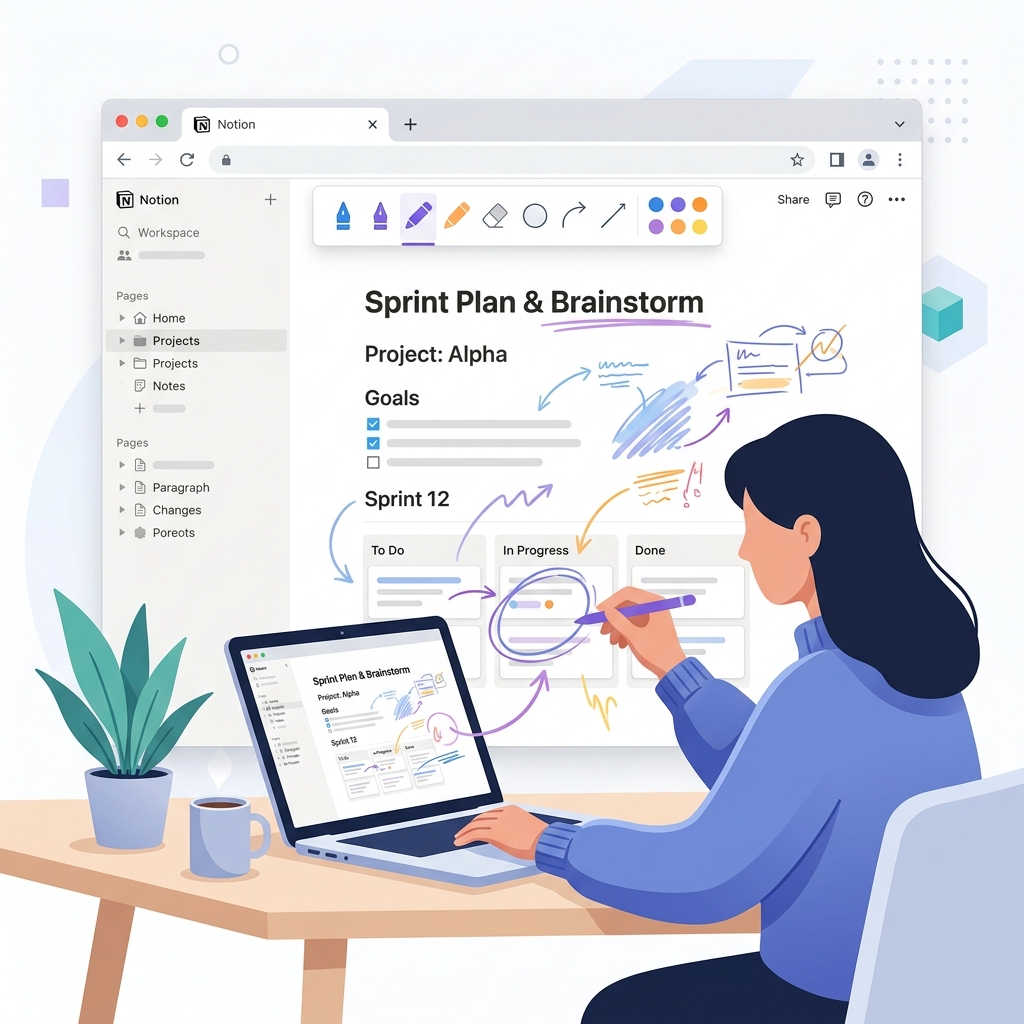
The problem: Notion doesn't have a native drawing tool
If you've ever wanted to sketch a quick diagram, annotate a passage, or brainstorm visually inside Notion, you already know the frustration. There's no built-in canvas. The typical workaround is embedding an external drawing tool like Excalidraw or Miro as an iframe block - but that opens a separate app inside a tiny box, breaks the flow of your page, and adds friction every single time. Notion drawing shouldn't be this complicated.
How to draw in Notion with JotLayer
Three steps. No configuration. No embed blocks. Just open Notion and draw.
Install JotLayer from the Chrome Web Store
One click - no account required to get started. Works on Chrome, Edge, Brave, and Arc.
Open any Notion page
Navigate to the Notion page where you want to draw. JotLayer works on every page in your workspace.
Click the JotLayer icon → draw directly on the page
Hit the extension icon in your toolbar. A minimal drawing overlay appears instantly - pen, highlighter, shapes, and eraser ready to go.
What you can do with Notion drawing
Drawing in Notion isn't just for sketching - it opens up a whole new way to work with your notes.
Brainstorm visually on top of your notes
Draw mind-maps, connect ideas with arrows, and sketch quick diagrams right on the Notion page where your notes already live.
Annotate documents and PDFs in Notion
Circle key passages, underline action items, and leave handwritten comments on any embedded content without leaving Notion.
Sketch diagrams without leaving your workspace
From flowcharts to wireframes - rough it out right there, keep everything in one place, and iterate in seconds.
Share visual feedback with your team
Mark up a shared Notion doc, save the drawing, and your team sees exactly what you mean - no screenshots, no switching apps.
Why JotLayer is better than embedding a drawing tool
Embedding tools like Excalidraw or notion-draw.art inside a Notion block is the old way. JotLayer is a fundamentally different approach.
No embed block needed
Works as an overlay - zero changes to your Notion page structure.
Draws over the page, not inside a block
Annotate anything on screen, not just inside a dedicated block.
Lightweight - no extra tab
One click on the extension icon. No loading a separate drawing app.
Works on every Notion page instantly
No need to insert a block, paste a URL, or configure anything.
Keeps Notion page clean
Drawings are stored as a separate layer - your Notion content is untouched.
Frequently asked questions
Everything you need to know about drawing in Notion.
Start drawing in Notion today
No embed blocks. No extra tabs. No configuration. Just install and draw - directly on any Notion page.
Works on Chrome · Edge · Brave · Arc · Opera · Chromebook
Already using JotLayer? See all the benefits →
Comparing tools? See why it's the best Notion Chrome extension →
Tips, updates, and the occasional good idea.
One short email when something worth knowing ships. We don't sell or share your details.