
The Notion Chrome extension built for visual thinkers
Most Notion extensions just save web content. JotLayer lets you draw, annotate, and sketch directly on your Notion pages.
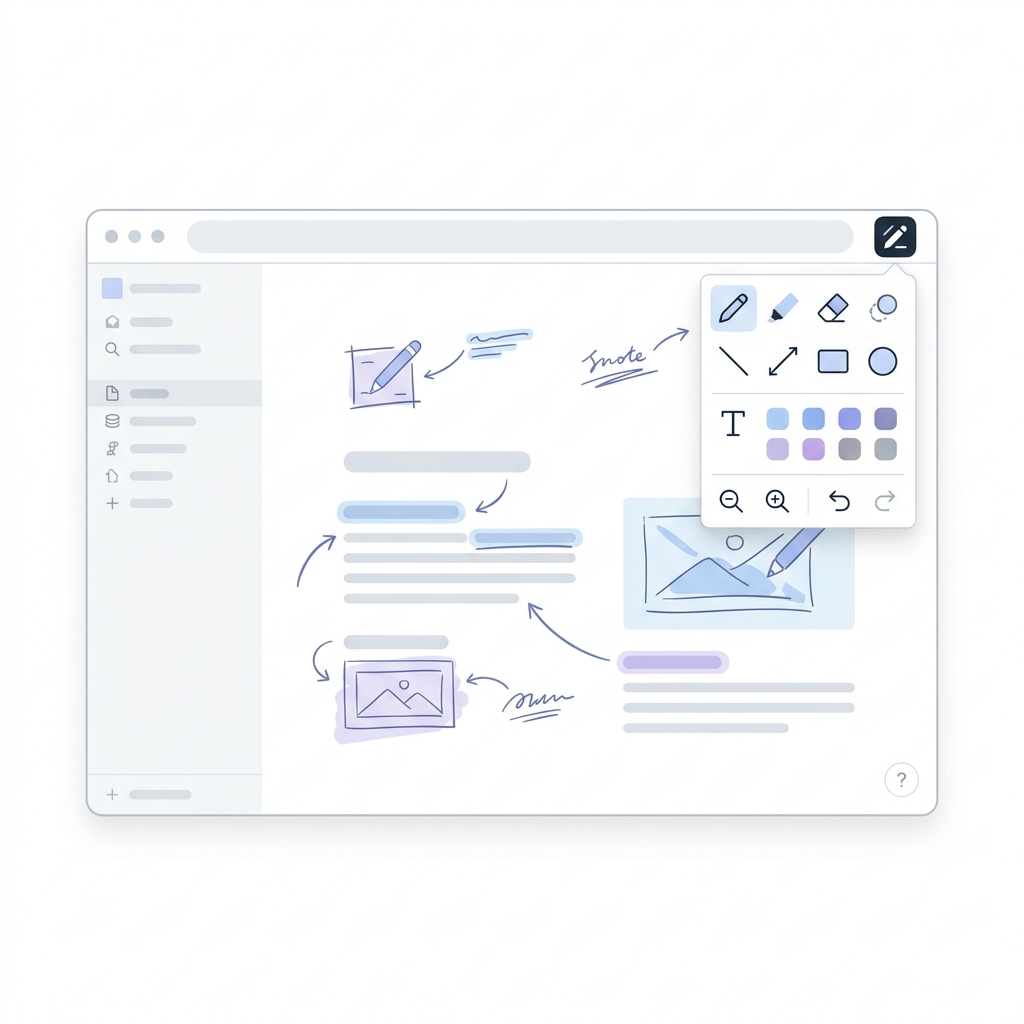
What most Notion Chrome extensions can't do
When searching for the best Notion extensions, you'll find plenty of tools like the official Web Clipper or the Save to Notion browser extension. Those are great for capturing articles and bookmarks. But none of them let you draw on your Notion pages. JotLayer is different. It doesn't fetch data from the web; it turns your existing Notion workspace into an interactive visual canvas.
What you can do with JotLayer
Explore why visual thinkers rely on JotLayer every day to bring ideas to life. Zero embedding, zero configuration required.
Draw and sketch directly on any Notion page
Turn your rigid Notion blocks into a flexible canvas. Sketch diagrams, flowcharts, or rough ideas anywhere on the page without embedding.
Annotate documents and PDFs without leaving Notion
Reviewing a document? Highlight text, circle important details, and leave hand-drawn notes right over embedded PDFs and images.
Leave visual feedback for your team
Sometimes text comments aren't enough. Draw arrows to point out layout issues or write visual notes to make your feedback crystal clear.
Brainstorm visually on top of your notes
Combine the structure of Notion databases and text with the freedom of a whiteboard. Perfect for visual thinkers and planners.
How to install JotLayer on Chrome
You're just seconds away from turning Notion into an infinite whiteboard.
Click 'Add to Chrome' below
Install JotLayer from the Chrome Web Store. It's completely free to start and requires no account creation.
Open any Notion page
Navigate to your Notion workspace in a new tab. JotLayer works instantly on existing and new pages.
Click the JotLayer icon and start drawing
Click the extension icon in your browser toolbar. A minimal overlay will appear, giving you instant access to pens, highlighters, and shapes.
How JotLayer compares to other Notion extensions
Understanding which extension is right for your workflow.
Frequently asked questions
Common questions about using JotLayer.
Tips, updates, and the occasional good idea.
One short email when something worth knowing ships. We don't sell or share your details.