
Your Notion pages, now with a pen on them.
Draw, circle, scribble and highlight straight over your workspace. Nothing to embed. Nothing to export. Try it right here on this page.
Three steps. Then you forget it's there.
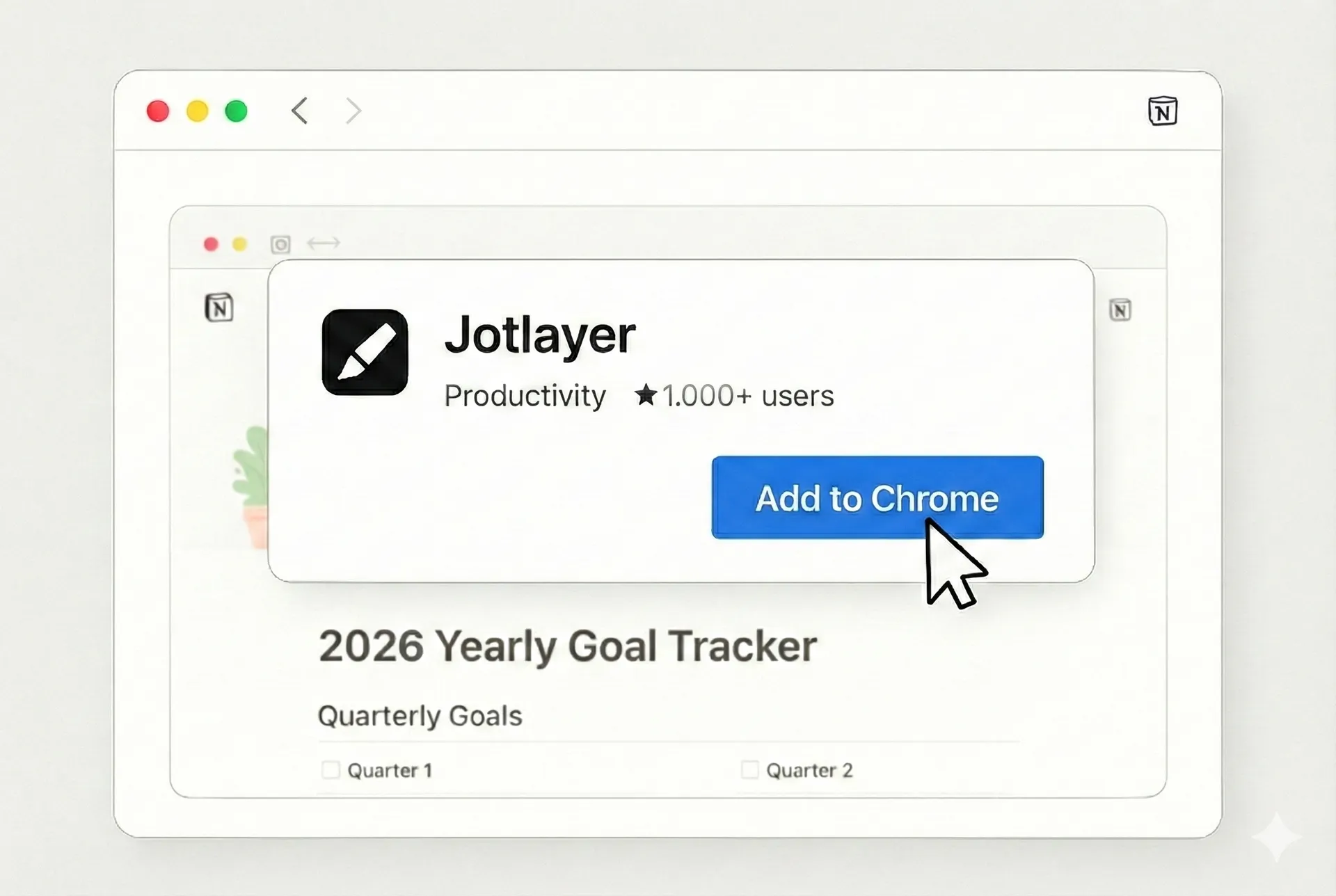
One click from the Chrome Web Store. No account needed.
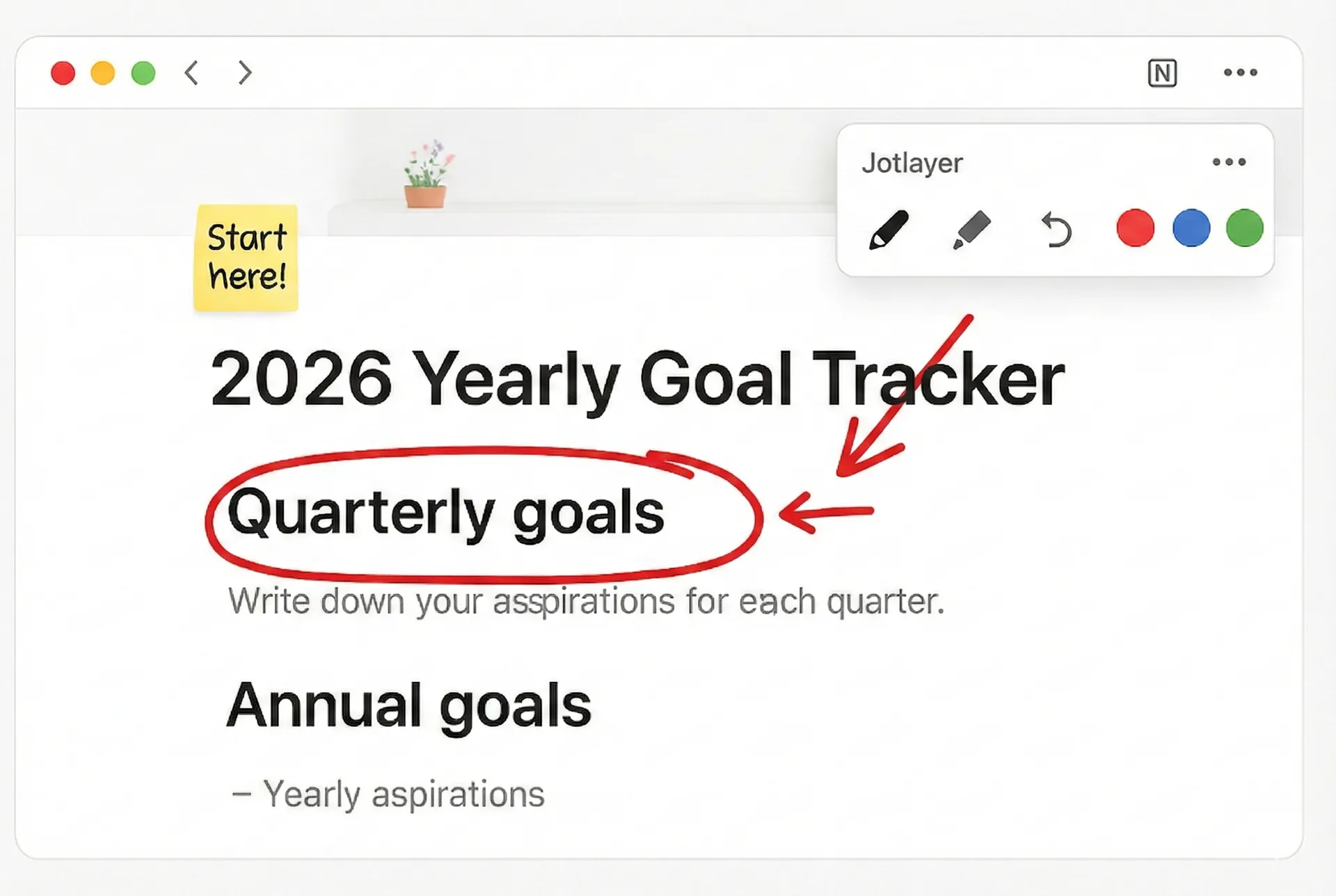
A small toolbar slides in on any Notion page. Start drawing.
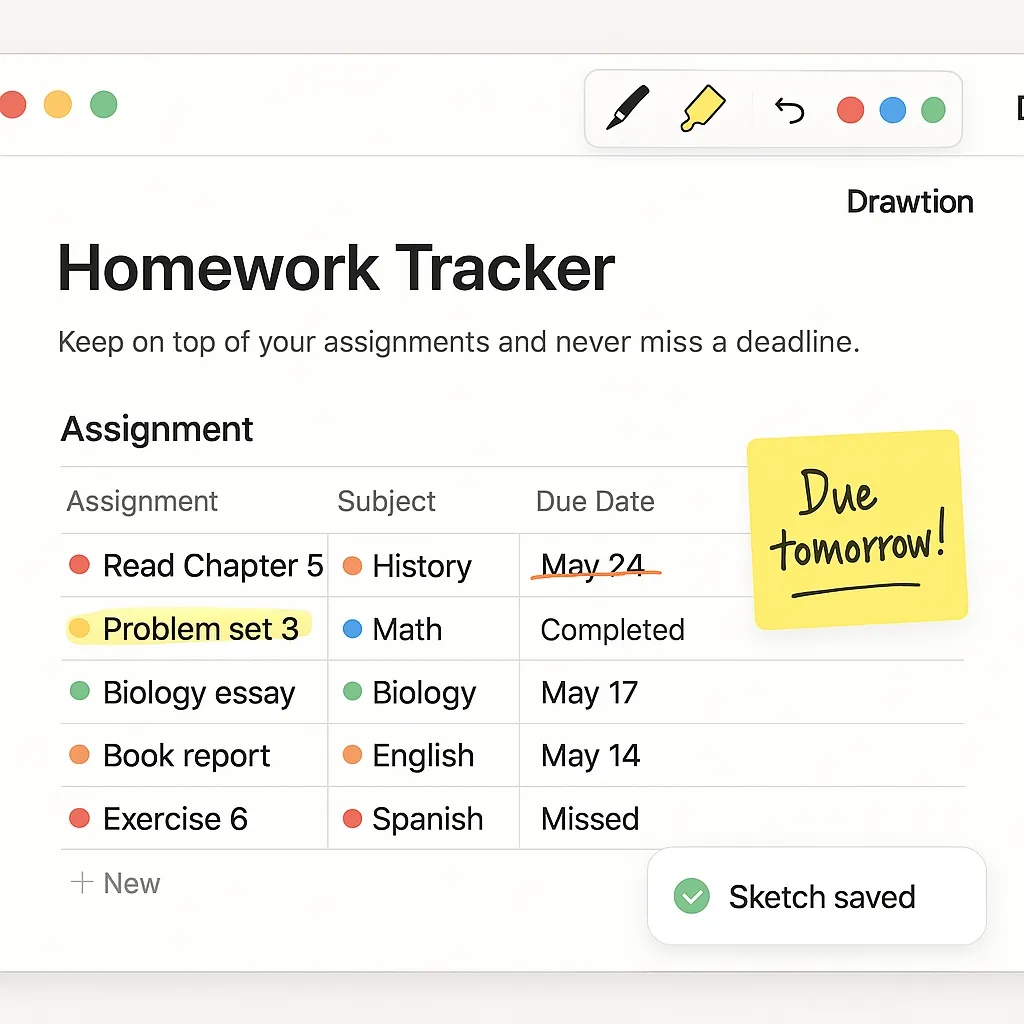
Everything saves itself. It's all still there next week.
Small tool, surprisingly big difference.
Draw right on Notion
No exporting, no screenshots. The ink goes on the real page, where the words are.
Nothing to embed
No iframes, no embedded canvases. Your pages stay clean and load just as fast.
Feedback people read
Circle the issue and draw the arrow. Much faster than “third bullet, second line”.
Private by default
Keep sketches on your own machine. Cloud sync only happens if you switch it on.
Ten seconds to set up
Install, open a page, draw. There is no step four and no settings to read.
Feels like it belongs
Borrows Notion's own type and spacing, then gets out of your way entirely.
Go scribble on something.
Free forever for five pages. Takes about ten seconds to install.
Add to Chrome - free