
Notion Drawing Ideas: Art, Notes & Annotating Images
Creative ways to upgrade your workspace with a Notion drawing style that fits your personal and professional needs.
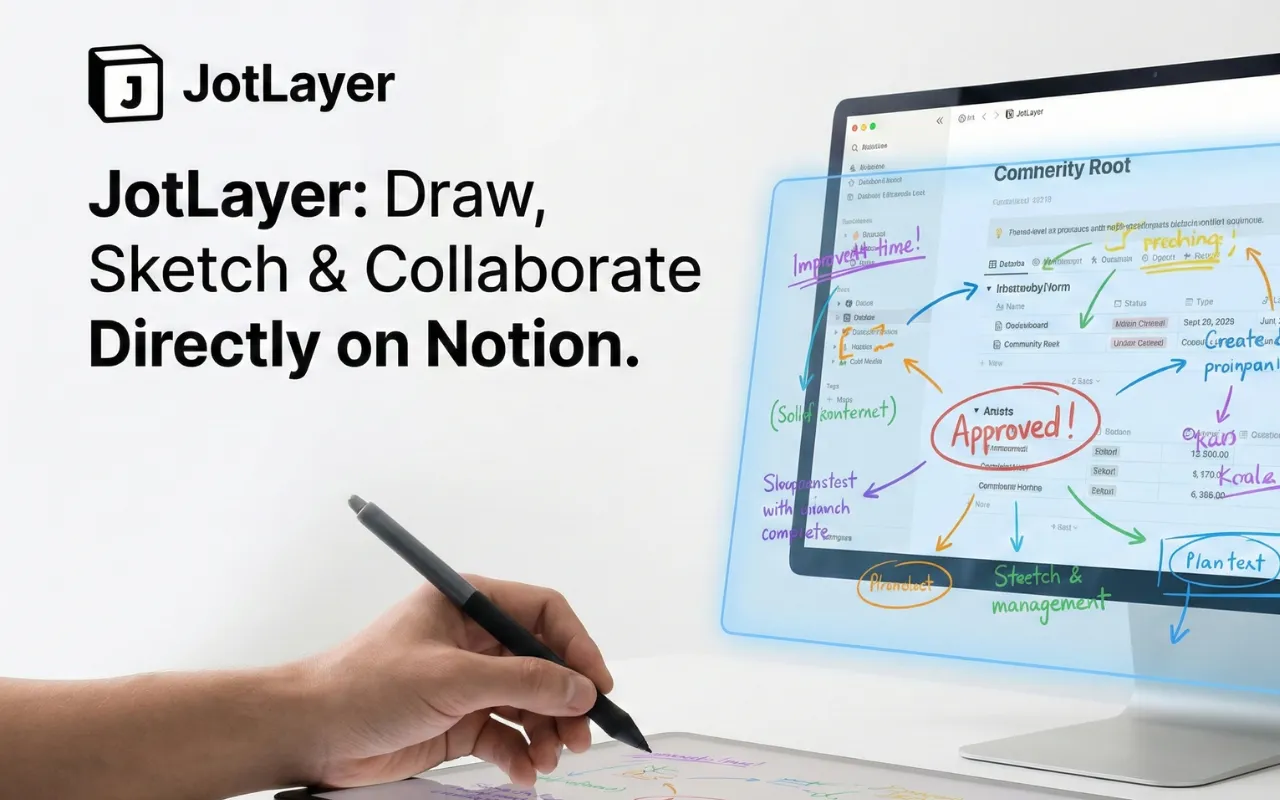
Once you enable drawing within Notion, an entire world of personalization opens up. Whether you are using a Notion drawing template or starting from scratch, blending visual notion drawing notes with typed text significantly improves memory retention and communication.
How to Use "Notion Draw On Image"
One of the most requested features is the ability to run a notion draw on image function natively. Often, users embed a PDF or a JPEG into their page and want to draw arrows or highlight specific regions.
Instead of downloading the image, modifying it in Apple Preview or Paint, and re-uploading it, you can install JotLayer. This Chrome extension overlays a transparent canvas over your page, allowing you to highlight content directly atop any embedded media flawlessly.
Doodles & Notion Draw Art
If you take pride in a specific notion drawing style, introducing marginalia and doodles into your page helps combat screen fatigue. Small artistic touches turn a sterile project management board into a creative haven.
Start Drawing Today
Add the JotLayer extension to your Chrome browser securely and start sketching over your Workspace instantly.