Welcome to JotLog!
Your all-in-one Notion productivity tracker.
📌 First, pin the extension
Click the puzzle icon in Chrome and click the pin next to JotLog for easy access.
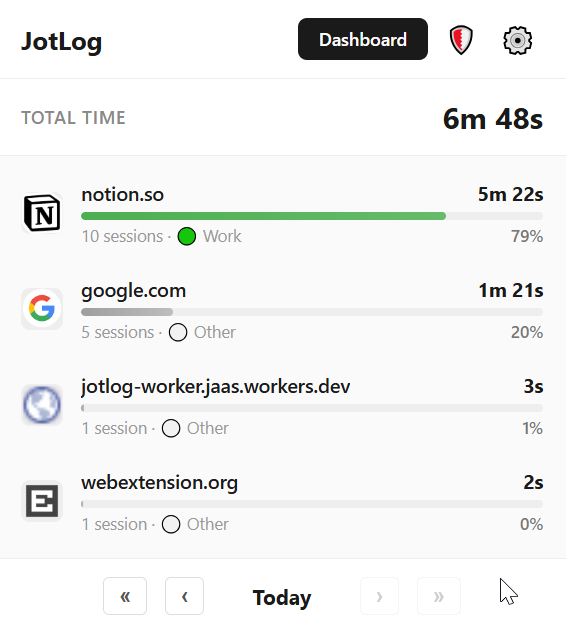
Let's get your dashboard set up
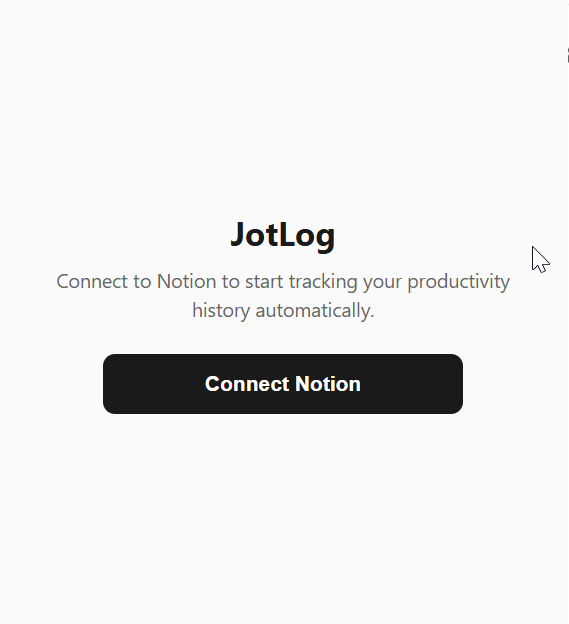
Sign in using Notion
Click the "Connect Notion" button in the extension popup to get started.
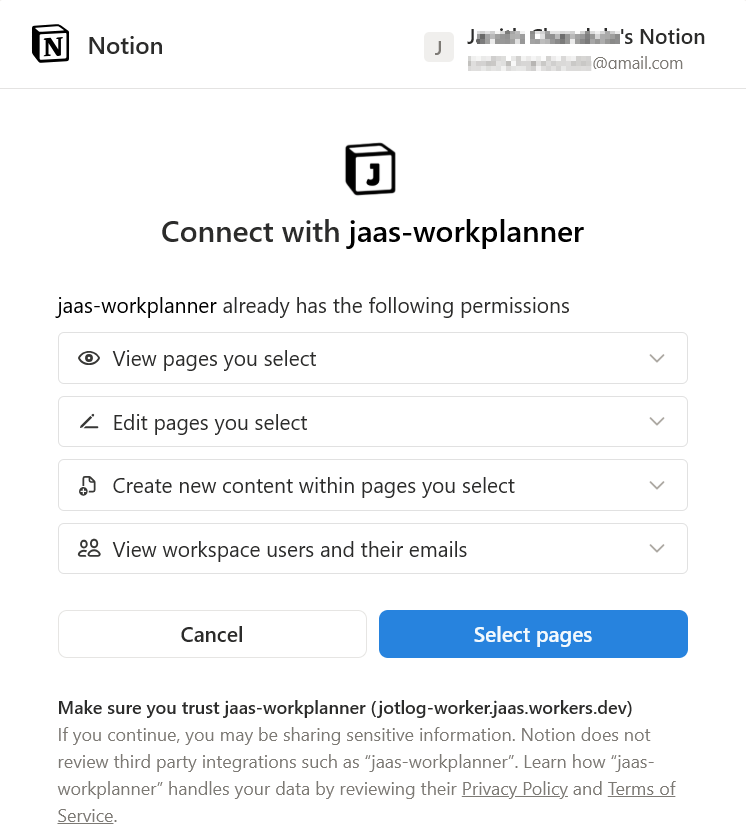
Proceed with "Select pages"
When Notion asks for permission, select the Select pages option. We only have access to the specific page you select.
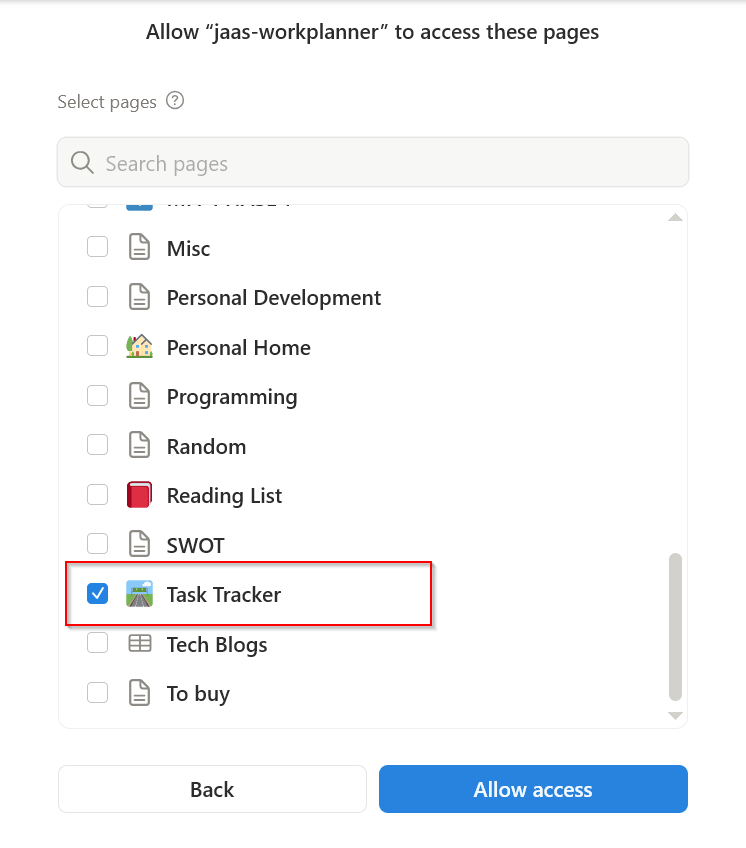
Select your dashboard page
Choose the Notion page where you want to create your productivity dashboard. The template will be synced to this selected page automatically after a successful login.
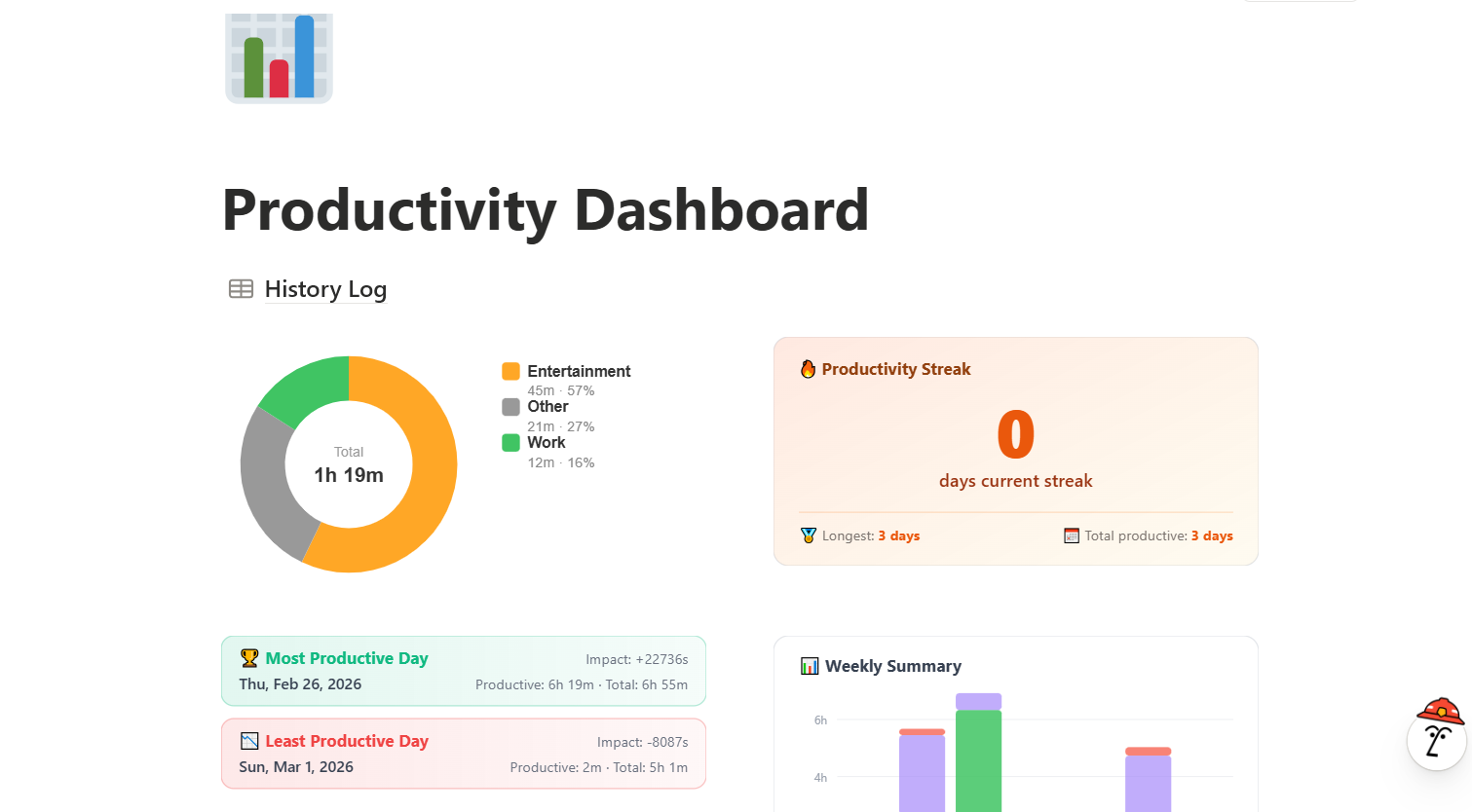
All done! 🎉
Just sit back and relax while your dashboard gets filled up with your usage data automatically. No manual data entry forever.
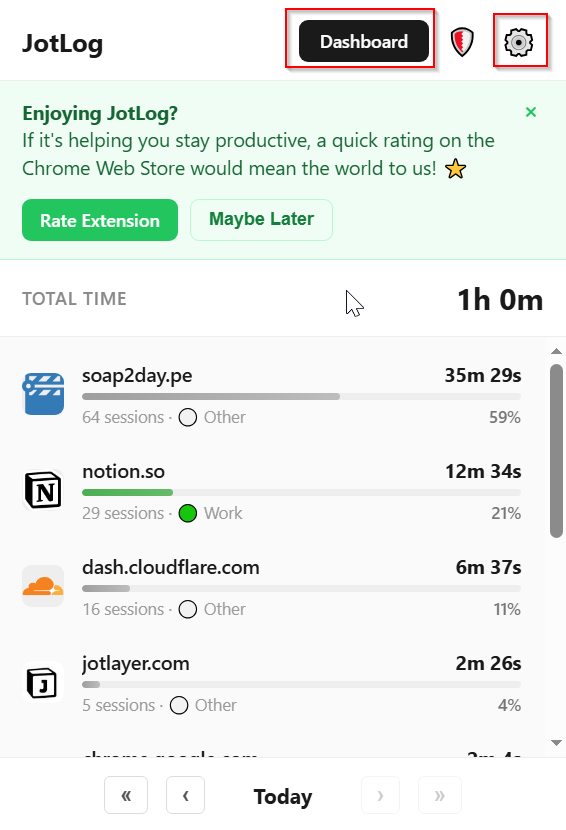
Access the settings menu
Click on the settings icon in the extension popup to open the settings menu.
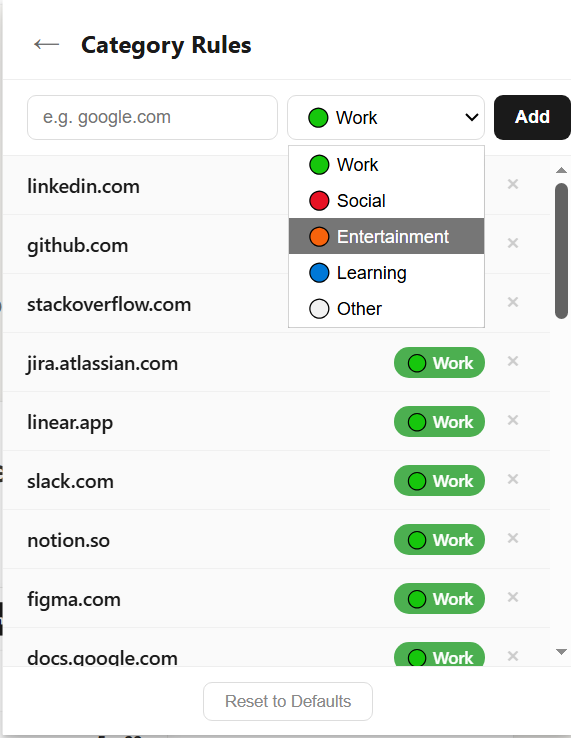
Add sites to categories
Add your sites to different categories like work, entertainment, and more. You can track your usage across all these categories easily.
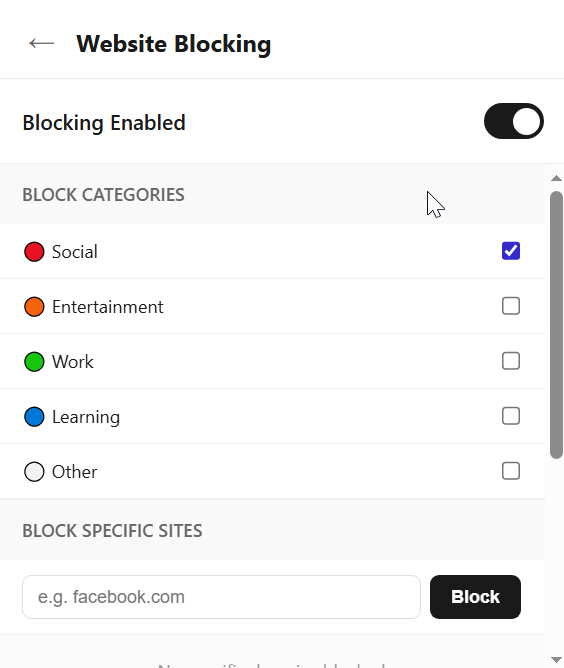
Block unwanted distractions
Take control of your time by blocking usage from unwanted categories when you need to focus.