
Getting Started with JotLayer
Everything you need to know to start annotating, sketching, and brainstorming directly on your Notion pages.
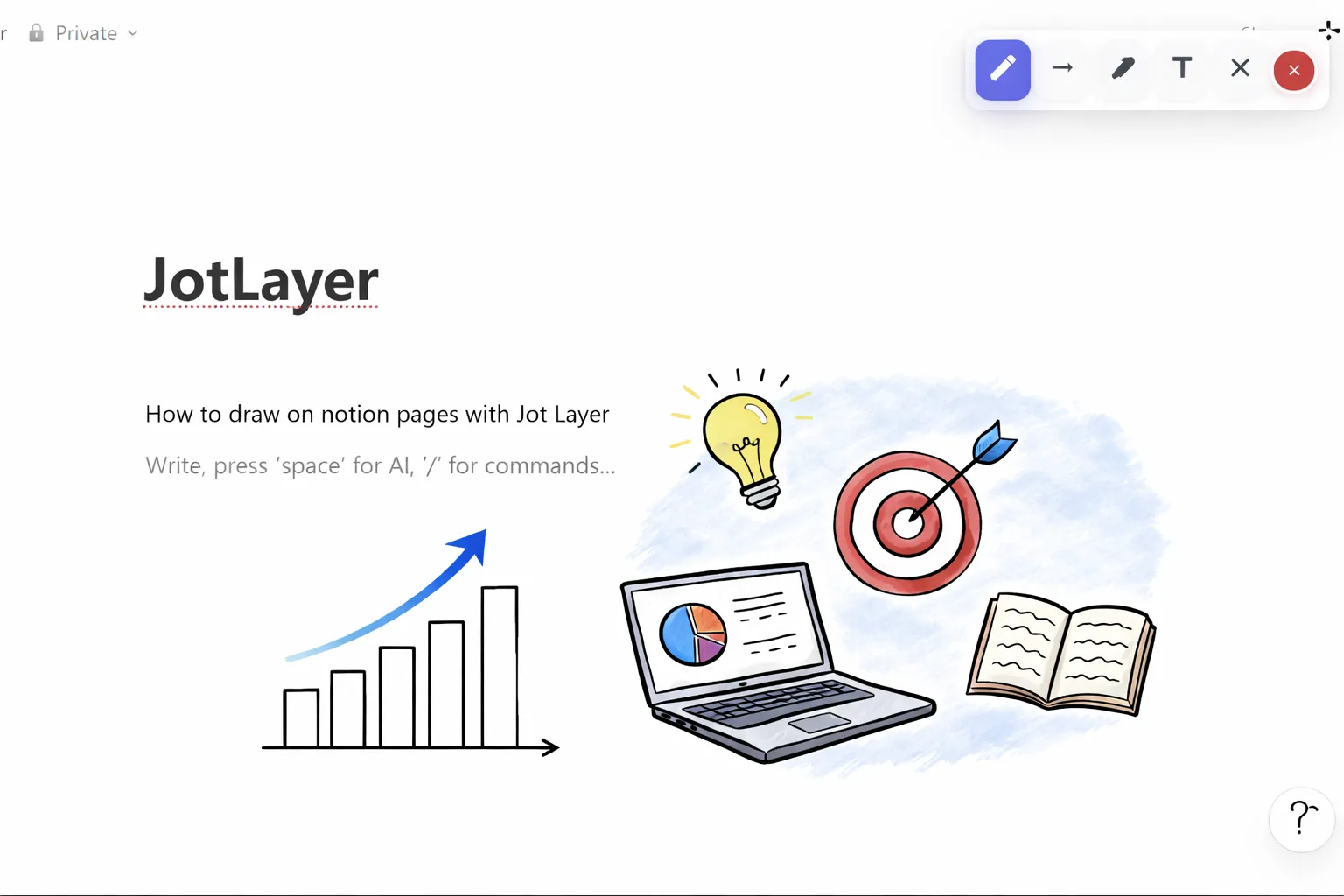
JotLayer is designed to feel completely native to Notion. Once installed, it adds a minimal floating toolbar to your Notion workspace, giving you instant access to powerful drawing and annotation tools without any complex setup.
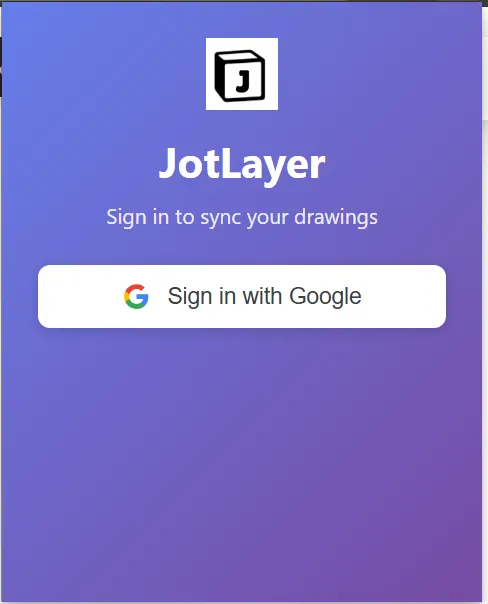
Login
To start annotating your Notion pages, you'll first need to sign in. Simply open the extension popup and sign in with your Google account to securely authenticate and access your saved drawings.
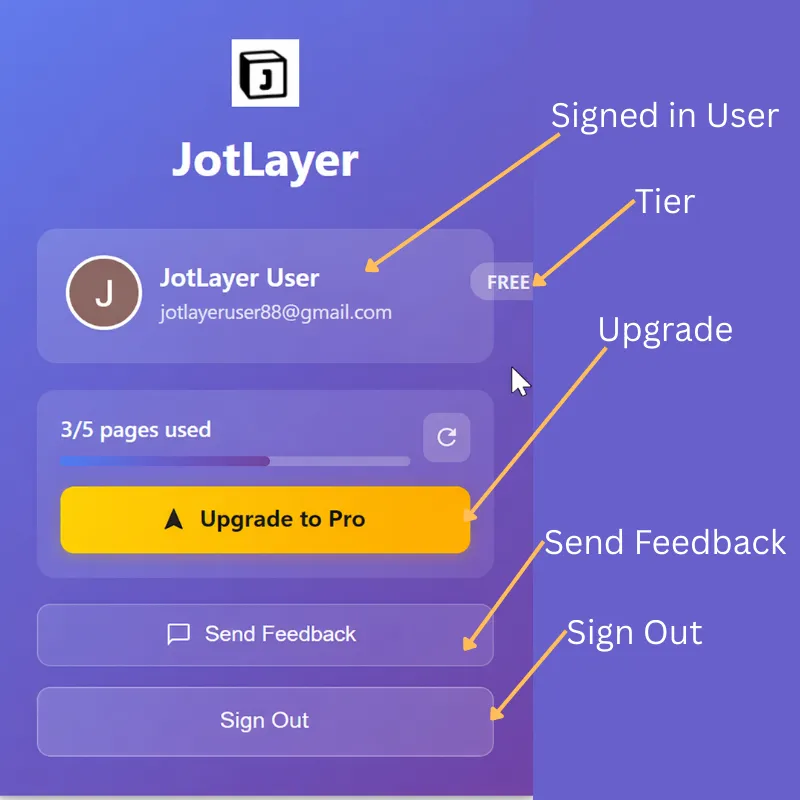
Your Command Center
The extension popup is your hub for everything Drawtion. Here you can view your account details, check your subscription status, and access helpful resources - all in one place.
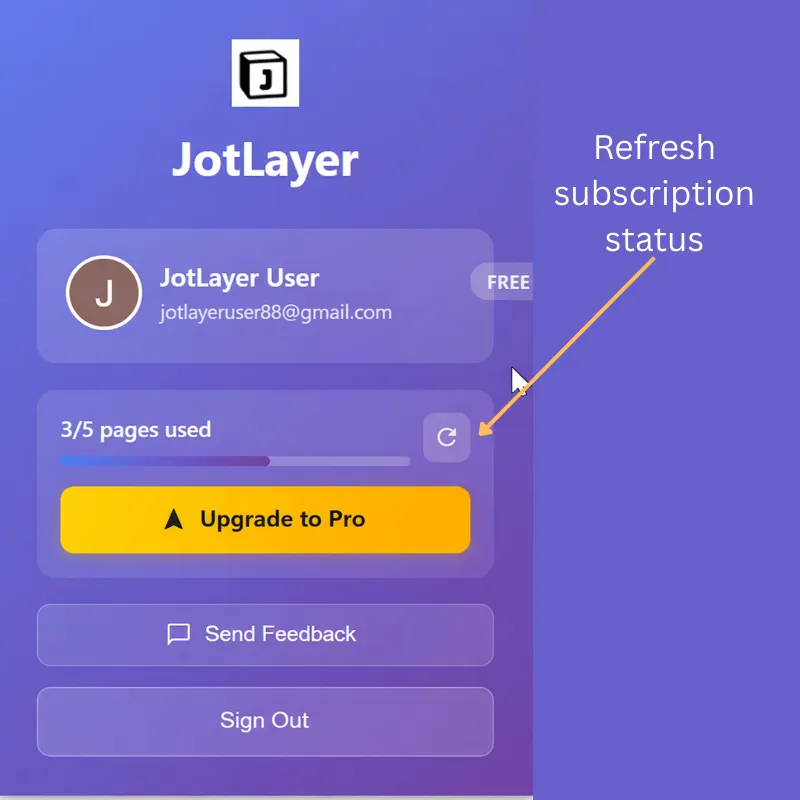
Sync Subscription
Recently upgraded? Ensure your premium features are active immediately by clicking the sync button in the extension popup. This refreshes your account status and safeguards your Pro capabilities.
The Toolbar
The toolbar is your command center. It floats unobtrusively on your page and can be minimized when not in use. Here's a quick breakdown of the tools available:
- Pen ToolFreehand drawing and sketching.
- →Arrow ToolPerfect for pointing out specific details.
- Text ToolType notes anywhere on the page.
- Clear PageWipes the current drawing layer clean.
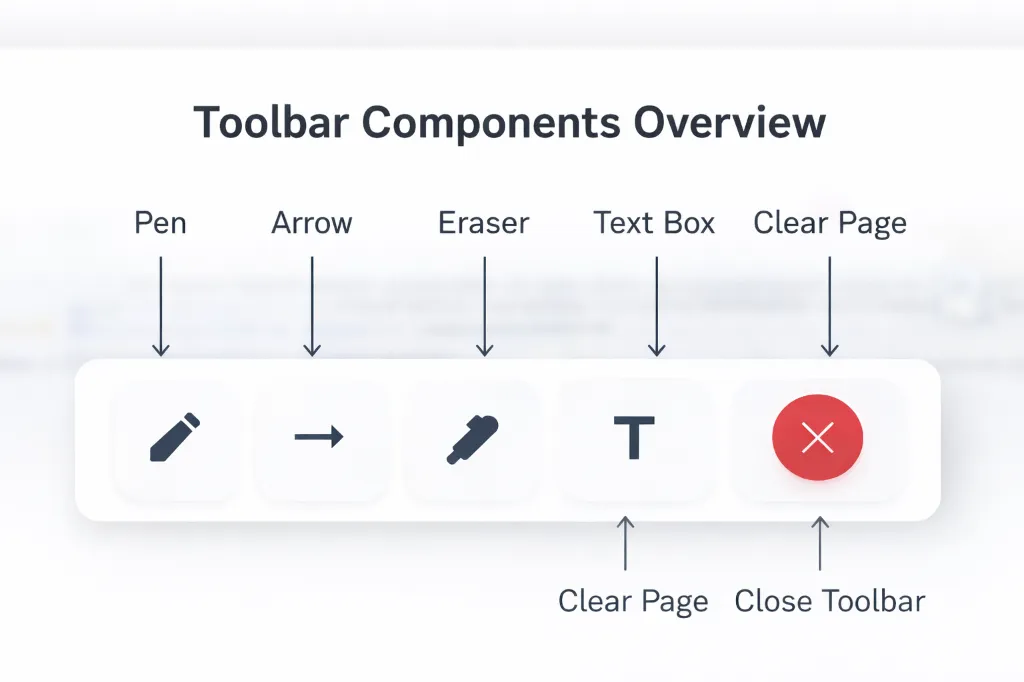
Hover over any tool to see its name and shortcut.
Customize Your Style
Make your annotations stand out or blend in. You can easily adjust the color and thickness of your strokes.
Color Palette
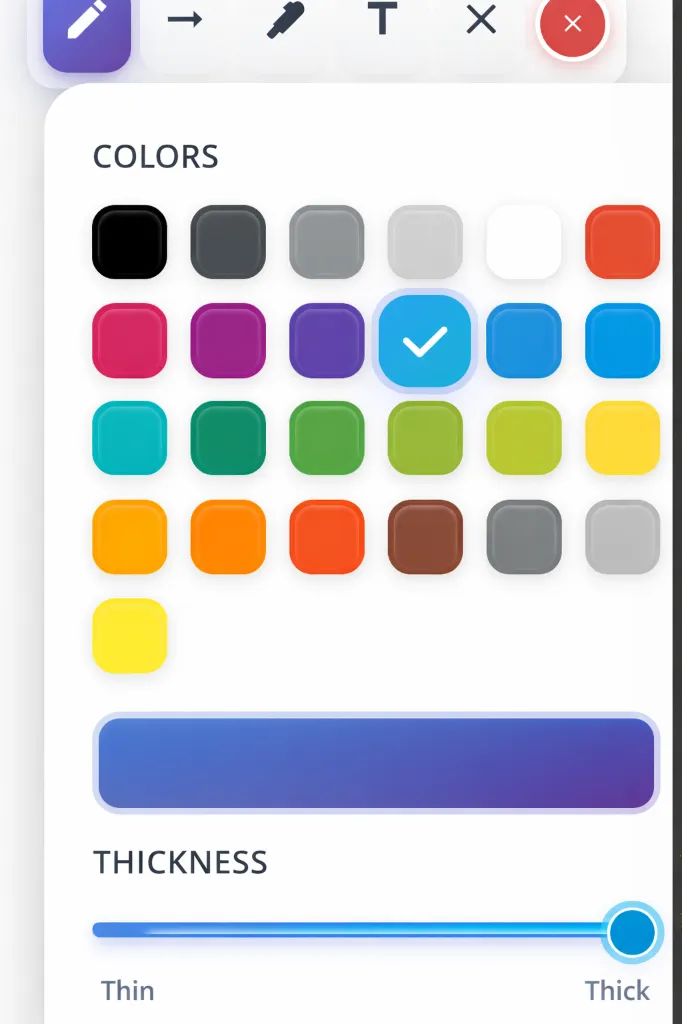
Choose from a curated selection of colors designed to look great in both light and dark modes.
Stroke Thickness
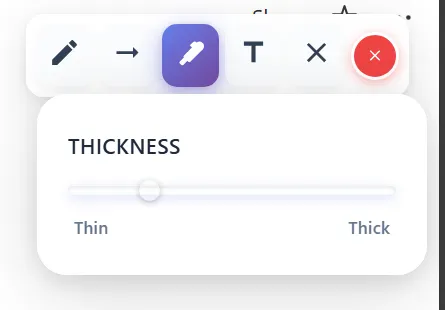
Use the slider to adjust the weight of your pen or arrow tool. Fine lines for details, thick lines for emphasis.
Adding Text
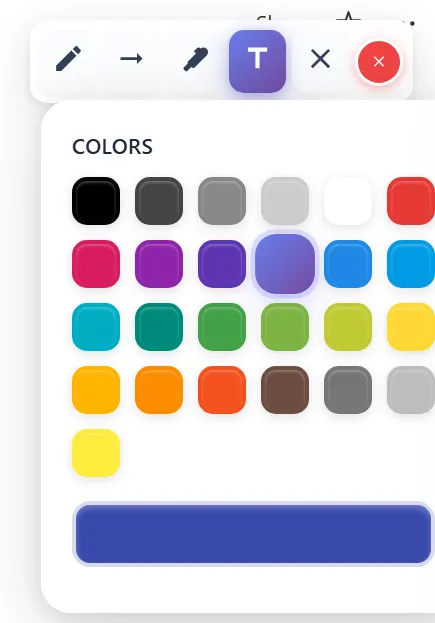
While drawing is great, sometimes you need to leave a precise note. The text tool lets you click anywhere on the page to start typing.
Pro Tip
Text boxes in JotLayer are independent of Notion blocks. You can place them anywhere, even overlapping other content!. You cannot interact with the notion links while the drawing tool is active.Please deselect the active drawing tool to roam free on the workbook.
Ready to start creating?
Install the extension today and transform how you use Notion.