
How to Draw in Notion: The Native Method (No Embeds Required)
Looking for a Notion drawing tool? Stop using slow Excalidraw embeds. Learn how to draw in Notion natively, highlight text, and sketch diagrams that actually scroll with your page.
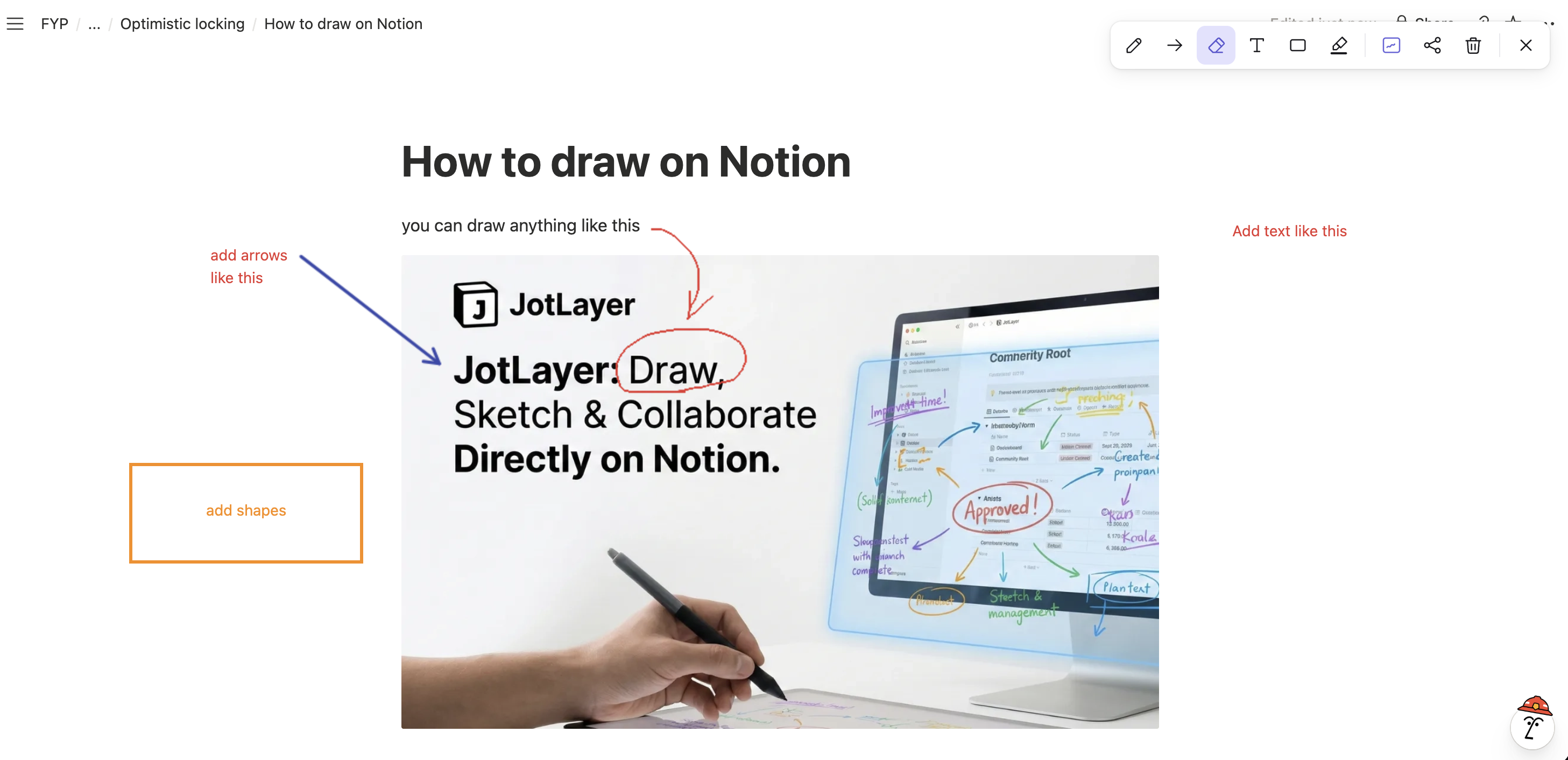
If you have ever searched for "how to draw in Notion," you probably hit the same dead end everyone else does:
"Just use an Embed! Connect Miro or Excalidraw!"
But let’s be honest: Embeds are not the same as real drawing. They take seconds to load, they live inside a tiny iframe, and they feel completely disconnected from your actual notes.
You don't want a heavy whiteboard. You just want to circle a task, draw an arrow, or highlight a sentence.
Meet JotLayer. Give your Notion notes a pen.
Ever wanted to circle something in your notes and found yourself opening another app? We built JotLayer for that moment. It's a Chrome extension that lets you draw right over the Notion page you're already working on.
Open the toolbar, pick a tool, and put your idea where it belongs: next to the thing you're explaining. No embed link to paste or separate canvas to set up.
Here's what you can do with it
Sketch it while it's fresh
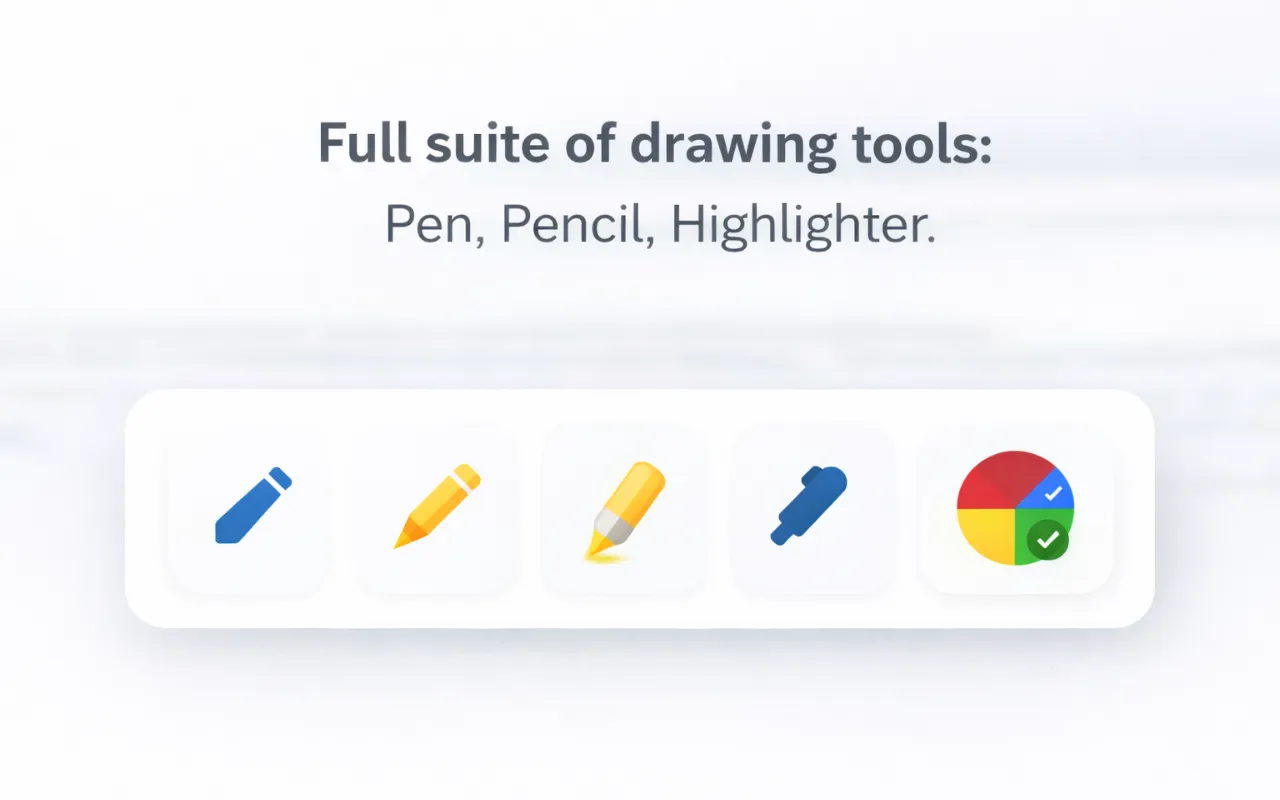
Use the pen for a quick diagram, a handwritten note, or a circle around the bit you want to come back to. Pick a colour and line thickness that suit your notes.
Point to exactly what you mean
Add arrows and shapes to connect two ideas, frame a section, or show where a change should go.
Make the important bits stand out
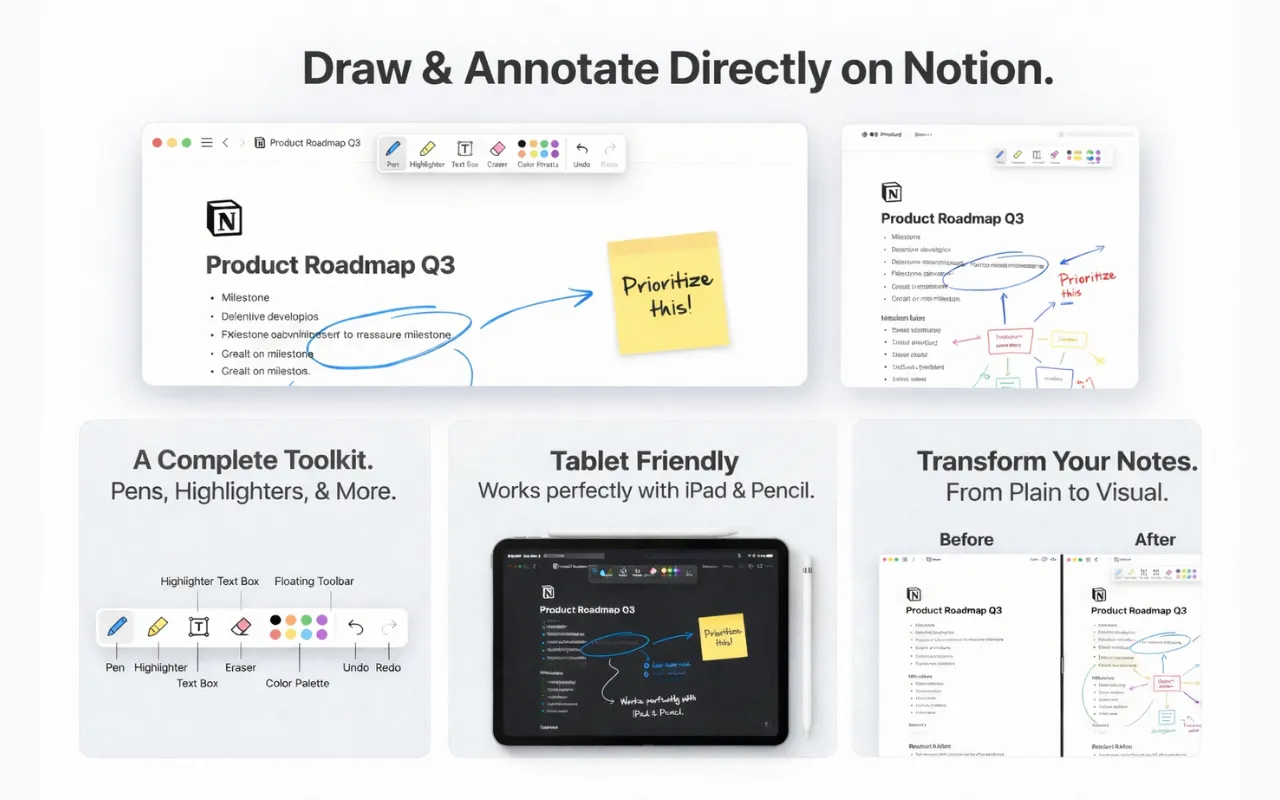
Highlight a passage you don't want to miss, then add a text box with a short reminder or explanation beside it.
Change your mind
Erase a stray line, or clear the drawing layer when you want a fresh start. Your original Notion text stays put.
Come back to your notes later
Drawings save automatically. The free plan keeps them locally on your device; Pro adds cloud sync when you need your drawings on another device.
Start free on up to five pages. Use Notion in your desktop browser to draw with the extension.
3 Ways to Use Drawing in Your Workflow
1. The "Cornell Notes" Method
If you are a student, you know that typing notes is fast, but connecting ideas requires visual thinking. Draw arrows between related concepts, circle key dates, or highlight text in different colors without using Notion’s clunky menu.

2. Visual Task Management
Nothing feels better than physically crossing off a to-do list item. Instead of just clicking a checkbox, use the pen tool to strike through completed tasks. It’s a small psychological win, but it makes your Notion dashboard feel alive.
3. Flowcharts & Logic
Trying to explain a complex backend architecture? Don't switch to Figma. Just draw on Notion directly next to your code blocks. Sketching a quick box-and-arrow diagram right beside your documentation saves context switching.
How to Get Started
Install the Extension
Search for "JotLayer" on the Chrome Web Store or use the link below.
Open Notion
Go to any page on Notion.so. It works on databases, docs, and wikis.
Activate the Pen
Click the extension icon (or use the shortcut Alt+J).
Frequently asked questions
Can you draw on Notion?+
Yes, but not natively with Notion's default tools. You need a browser extension like JotLayer to draw directly on the page without using embeds.
Is there a pen tool in Notion?+
Notion does not have a native pen tool. Most users use embeds like Excalidraw, but JotLayer adds a native pen tool that works directly over your notes.
You Don't Need an iPad
Stop struggling with embeds. Keep your notes local, fast, and visual with JotLayer.