SidePDF vs PDFgear: Margin Notes or Full PDF Editing?
JotLayer makes SidePDF. This comparison draws on both products’ published features, with separate coverage of PDFgear’s web editor and its installed apps.
What do you mean by editing a PDF?
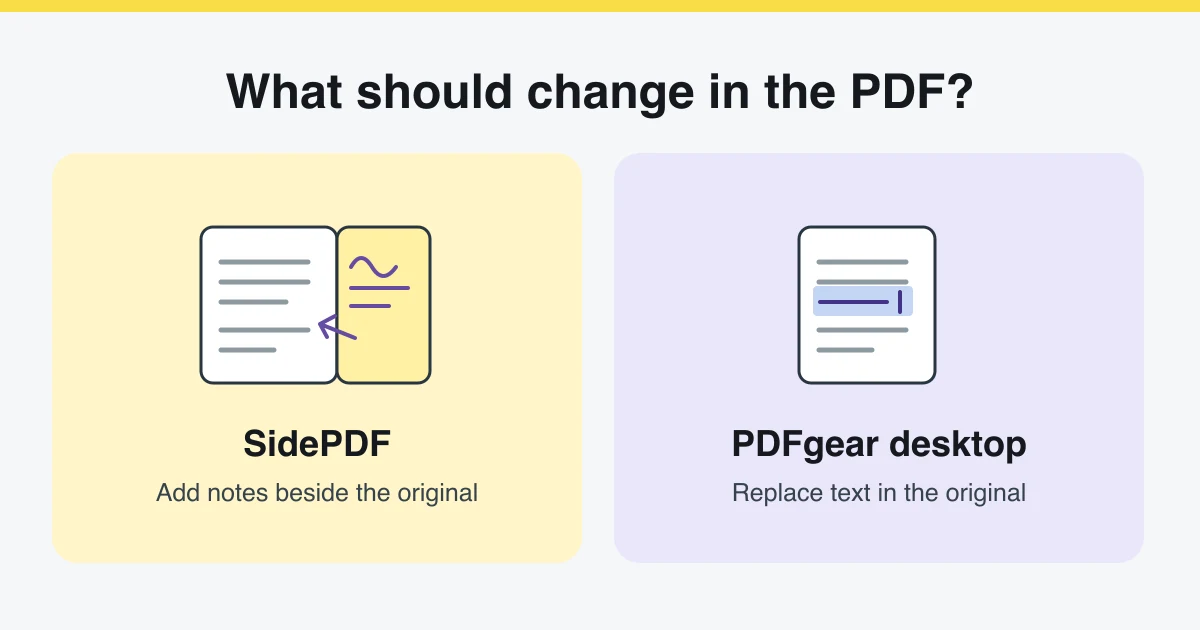
| What should change? | Which tool fits? |
|---|---|
| The original wording on a page, such as a price, date or name | PDFgear for Windows or Mac edits existing text in a PDF where the file supports it |
| A note beside an equation on a crowded slide | SidePDF opens extra writing space and saves it with the page |
| A quick box, highlight or sketch on the existing page without installing software | PDFgear Online Editor adds annotations in the browser |
| Text trapped in a scanned image | PDFgear desktop offers OCR. Review recognition and formatting before relying on the result |
| An annotated reading you want to open on your phone | SidePDF exports a standard PDF that a mobile PDF reader can open. PDFgear has mobile apps for continuing to work on PDFs there |
PDFgear desktop text-editing guide · PDFgear for Windows · PDFgear Online Editor · SidePDF
One PDF, two different outputs
Consider a lab handout. If you’re the instructor and must correct the concentration printed in the procedure, open a copy in PDFgear’s desktop editor. Find the existing text block, make the correction, and check the layout. A different number can change the width of a line, and a font substitution can change the appearance. If the PDF is a scan, OCR can help recover text. The quality still depends on the scan. PDFgear’s instructions for editing existing text
If you’re a student and the same handout needs your own observations, keep the original wording, widen the right margin in SidePDF, and type beside the relevant step. A classmate can follow both the instructions and your notes in one exported PDF. For an ongoing lab notebook, SidePDF Pro can combine imported PDF pages, blank notes and video captures in a local notebook. Save an editable .sidepdf project for later revisions and export a PDF when you want to share the finished pages. SidePDF notebooks and exports
Do both tools keep PDF files on the device?
PDFgear Online Editor says its markup and page tools process files in the browser. Its instructions for changing existing words point to the desktop app. PDFgear also has separate AI features, and its Windows product page says PDF content and chat inputs may be sent to a provider when you use those features and consent. PDFgear for Windows
SidePDF’s document editing and export run locally in the desktop Chrome or Edge extension. The free editor includes expandable margins, pen tools, highlighting, typed notes and standard PDF export. Pro adds notebooks, reusable layouts and saving editable projects. Standard PDF export is what makes the notes readable on an iPad, iPhone or Android without an extension on that device. SidePDF’s free and Pro features
Can PDFgear Online replace the words in my PDF?
PDFgear’s online editor can add a text box, comments, shapes and drawings, and organize pages. Use the Windows or Mac editor when the task is to change words already embedded in a text-based PDF. If the original is an image-only scan, start by checking what OCR can recover. PDFgear Online Editor · PDFgear desktop editing documentation
If you regularly need both tasks, correct the source in PDFgear, save a copy, and use SidePDF to annotate that copy. The SidePDF alternatives guide covers other markup tools, including Sejda for page sizing and quick text edits.
Related reading
Janith
Janith builds the JotLayer extensions: JotLayer for drawing on Notion pages, SidePDF for writing in the margins of PDFs, JotLog for filing what you read into Notion, and a YouTube picture-in-picture extension. All four are published on the Chrome Web Store and do their work in the browser.
More about Janith